
Control & Visibility
Take Control of Your Shipments
Your dedicated hub for managing every step of your delivery. Create shipments, track packages in real-time, handle billing, update contact info, and manage reviews—all from one intuitive dashboard. Fed Logistics puts you in charge.
Shipment Creation & Management
Create new shipments in seconds, edit details, cancel, or reschedule—complete control without the complexity.
Billing & Payment Management
Add, update, and manage payment methods securely. Full transparency on charges—no surprises.
Contact & Review Management
Update delivery addresses, manage customer reviews, and respond directly—all from your dashboard.
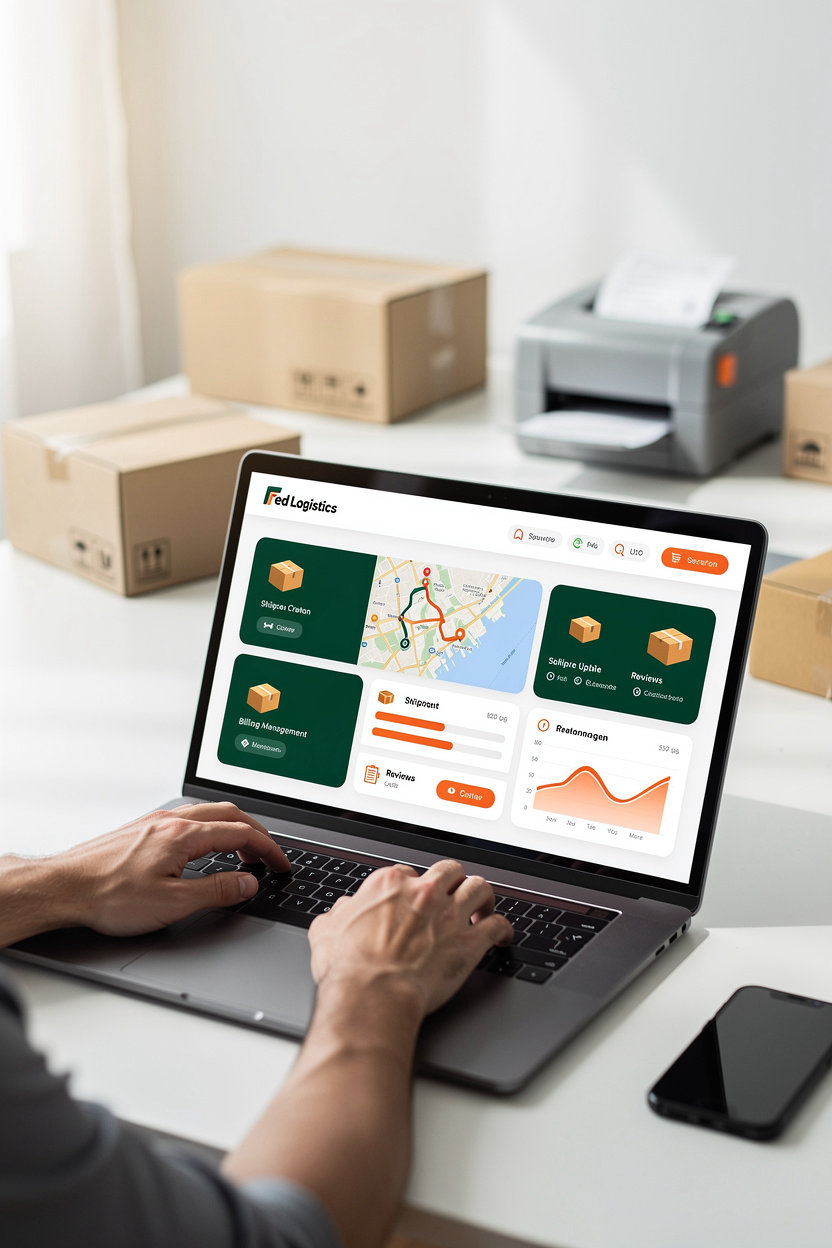
Core Features
Shipment Creation & Management
Create, edit, and track shipments directly from your dashboard. Full control over delivery details and real-time status updates.
Billing Method Management
Add, update, and manage payment methods securely. Transparent pricing with no hidden fees—see exactly what you'll pay upfront.
Contact Information Management
Update delivery addresses and contact details anytime. Changes sync instantly across all active shipments.
Review Management
View customer reviews, respond directly, and manage your reputation. Delete reviews if needed to keep your profile clean.
Shipment History & Reporting
Access complete shipment history and download reports for record-keeping. Track patterns and optimize your delivery workflow.
Customer Support Access
Contact Fed Logistics support directly from the admin panel via phone, WhatsApp, or Telegram. Fast response times when you need help.
Everything you need to manage nationwide delivery operations in one place.
Get Started in Minutes
Setting up your Fed Logistics admin panel is straightforward. Follow these five steps to create your account, configure your settings, and ship your first package with real-time tracking included.
-
1
Sign Up for Your Account
Create your Fed Logistics account with your email, business name, and password. Registration takes less than two minutes and requires no special documentation to begin.
-
2
Verify Your Email and Complete Your Profile
Check your inbox for a verification link and confirm your email address. Then update your profile with your contact information and default delivery preferences so your shipments are set up correctly from the start.
-
3
Add Your Billing Method
Link a credit card, debit card, or bank account to your account. You control which payment method is used for each shipment, and billing is transparent—no hidden fees, ever.
-
4
Create Your First Shipment
Enter the pickup and delivery addresses, package details, and choose your delivery service type (same-day, local, or nationwide parcel delivery). Review the upfront price and confirm to submit your shipment.
-
5
Track Your Shipment in Real-Time
Your tracking number appears instantly in your admin panel. Watch your package move from pickup through delivery with live status updates, estimated delivery time, and proof of delivery confirmation.
Questions about setup? Contact Fed Logistics via phone, WhatsApp, or Telegram—our team is ready to help.
Questions? We're Here to Help
New to the admin panel? Our customer support team is ready to walk you through account setup, feature questions, and any troubleshooting you need. Reach out anytime via phone, WhatsApp, or Telegram.
How do I sign up for the admin panel?
Visit the admin panel page and click "Sign Up Now" to create your account. You'll verify your email, set up your profile, add a billing method, and be ready to create your first shipment in minutes.
What if I need help with a specific feature?
Contact us directly and let us know what you're working on. Whether it's billing management, contact updates, or review handling, our team can walk you through it step-by-step. Call us, send a WhatsApp message, or reach out on Telegram.
How quickly will you respond to my question?
We aim to respond to all inquiries as quickly as possible during business hours. Phone calls get the fastest response — if you're in a hurry, calling is your best option. WhatsApp and Telegram messages are monitored regularly throughout the day.
Can I change my account details after signing up?
Yes. The admin panel lets you update your contact information, billing methods, and delivery addresses anytime. If you run into any issues making changes, our support team can help you update your account.
What if I have a problem with a shipment or billing?
Reach out to us right away. Contact support via phone, WhatsApp, or Telegram with details about your issue, and we'll investigate and resolve it for you. Your shipments and account are our priority.